Summary
You can run an Unscanned Items Report during the inventory process to view and create a printable Report of unscanned copies.
Run an Unscanned Items Report
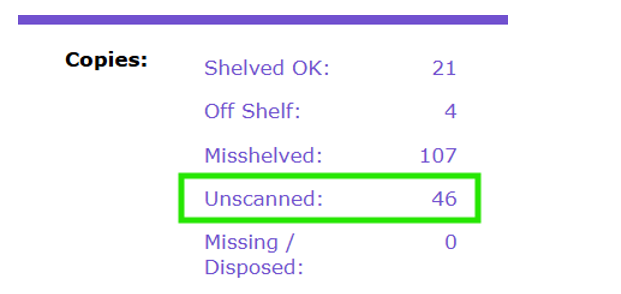
- From the INVENTORY SECTION DETAILS screen, click on the link for Unscanned copies.
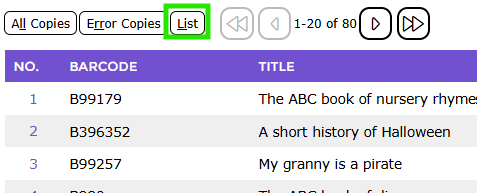
- Click List to display all results.
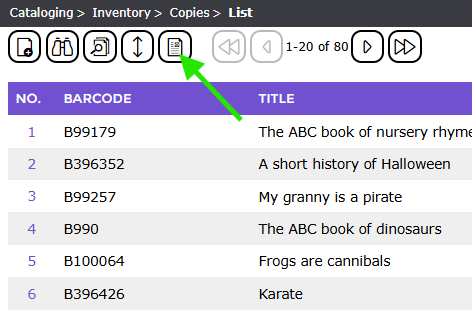
- Click the Report icon.
- Select the Report: Inventory Unscanned Items.
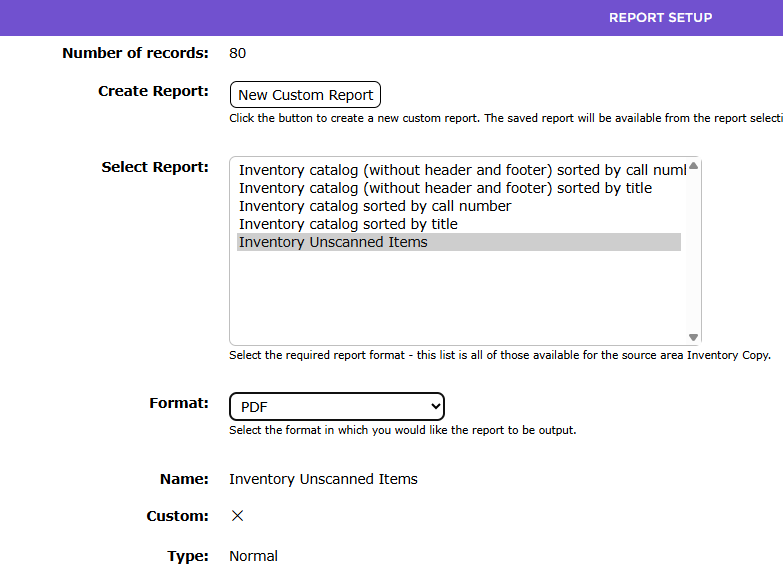
- Click the GO icon to run the report, then click the link to download, open and print the report.
Was this article helpful?
That’s Great!
Thank you for your feedback
Sorry! We couldn't be helpful
Thank you for your feedback
Feedback sent
We appreciate your effort and will try to fix the article