Summary
Inconsistent shelf location data can affect the accuracy of the inventory. Records added recently to the catalog should be checked for accuracy to ensure that shelf locations have been updated where necessary. Perform a shelf check to ensure the Copies are in the correct order on the shelf.
Option A - Recent Cataloging Records Check
- Navigate to Cataloging > Resources.
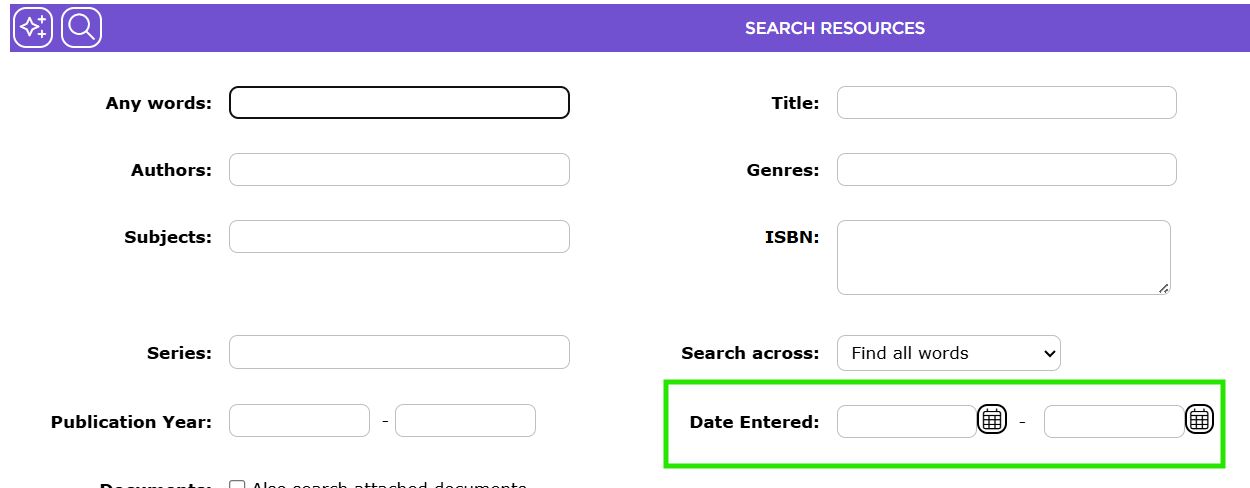
- Search for Resources cataloged recently using a Date Entered range.
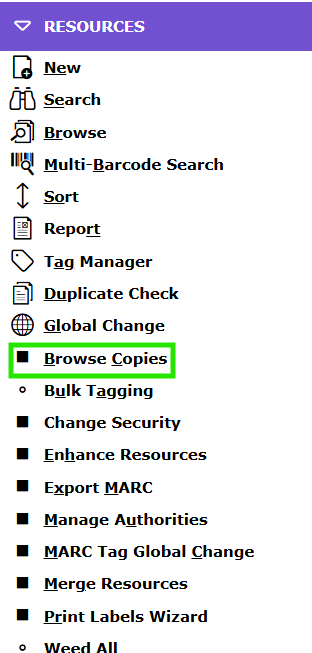
- Hover over the RESOURCES dropdown menu then click the Browse Copies option.
- Check that the Branch, Collection and Call Number are all complete and appropriate for each of the Copies
displayed.
Option B - Shelf Check Report
- Navigate to Cataloging > Copies > Search.
- Optionally, select a Branch and/or Collection filter.
- Click the Search icon to perform the search.
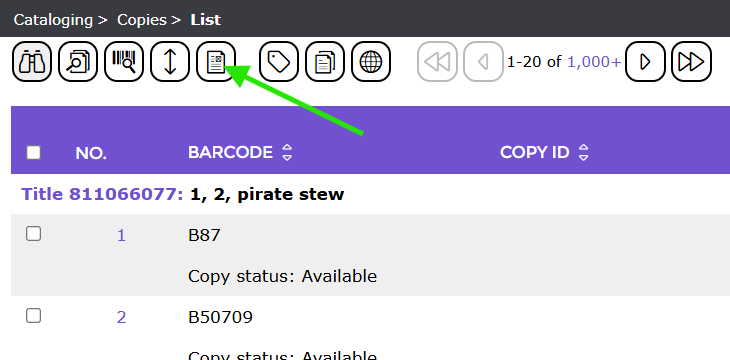
- In the resulting Copies > List screen click the Report icon.
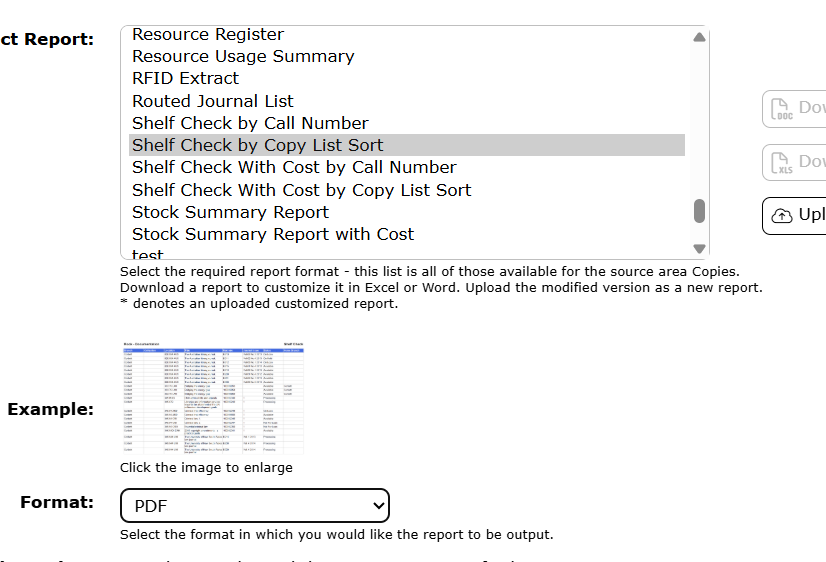
- Select the report Shelf Check by Copy List Sort.
- Click the GO icon to run the report. Click the download link and then open the report.
- Check report for Copies with an incomplete or incorrect Call Number.
Was this article helpful?
That’s Great!
Thank you for your feedback
Sorry! We couldn't be helpful
Thank you for your feedback
Feedback sent
We appreciate your effort and will try to fix the article