Summary
If a number of resources have an incorrect BibType assigned, or a new one has been created to replace a now obsolete one, the Global Change function can be used to change that BibType on the applicable resources in bulk.
Complete a BibType Change on a Group of Resources
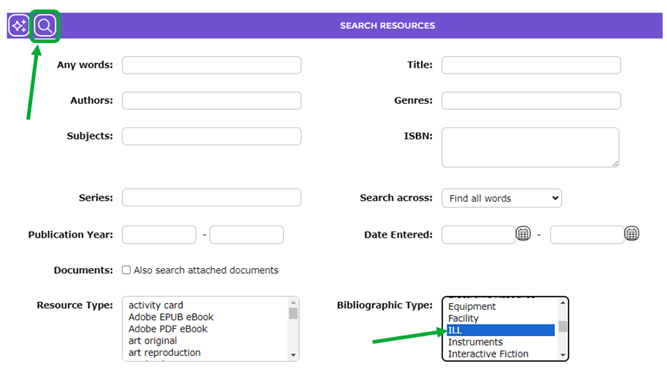
- Navigate to Cataloging > Resources.
- Select the option required in the Bibliographic Type list-box. The example will select ILL.
- Click on the Search icon.
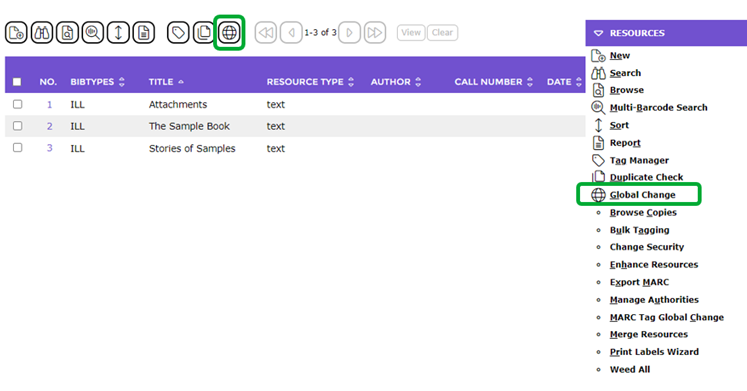
- The list of applicable resources will display.
- Click on the Global Change icon (or click on Function and from the drop-down menu click on the Global Change option or type ‘gl’.)
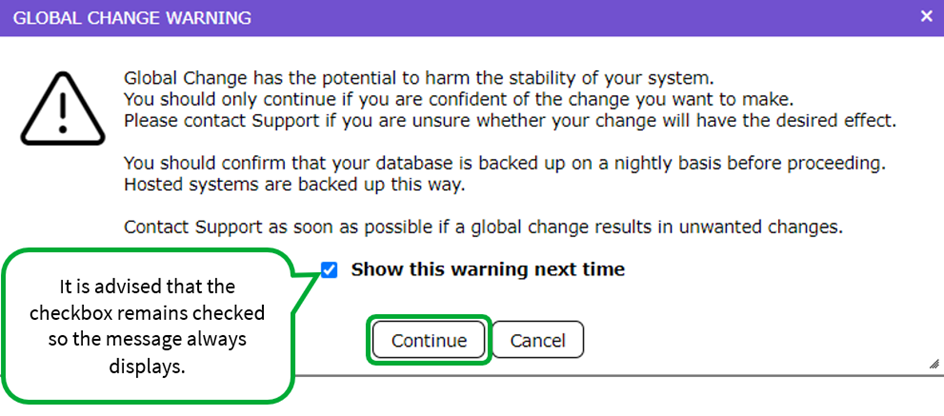
- A popup message box will display asking for confirmation to proceed will display. Click the Continue button.
- In the Global Change screen, ensure that Catalog is the value in the Area field and the value in the Record Count field matches the number returned from the earlier search.
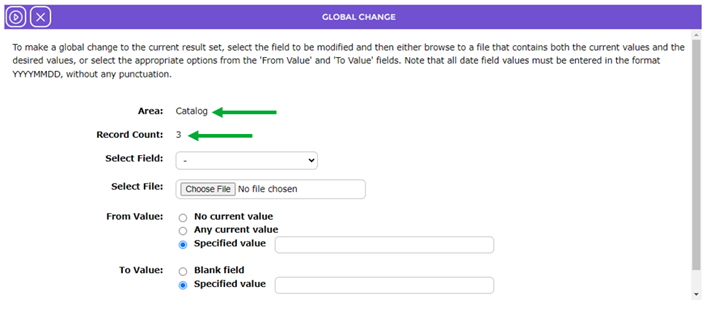
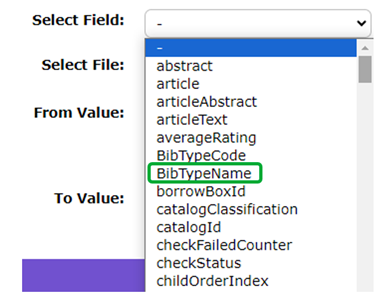
- Click on the down arrow at the end of the Select Field field and click on BibTypeName.

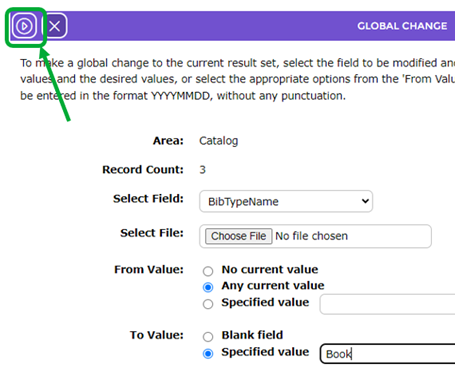
- In the From value field click in the radio button next to Any current value.
- In the To value field enter the name of the required BibType, for example, Book.
- Click the Go button.
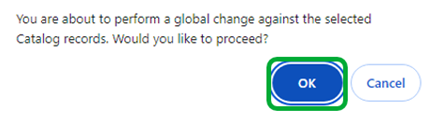
- You will get another pop-up message asking if you wish to proceed. Click ‘OK’.
- The screen will refresh. A message will confirm the number of records changed, for example 3, and include a Return to the list icon.
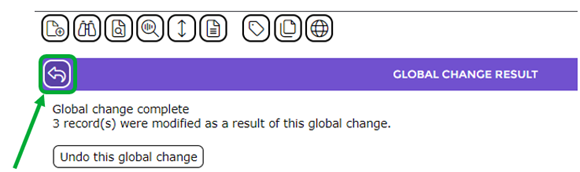
- Click the Return to list icon to return to the list of resources.
If the BibTypes column has been added to the List screen the changed BibType will be reflected in the screen. Alternately, access the Detail screen of one of applicable resources to confirm the change.

Was this article helpful?
That’s Great!
Thank you for your feedback
Sorry! We couldn't be helpful
Thank you for your feedback
Feedback sent
We appreciate your effort and will try to fix the article