Summary
Unused Authority files can be deleted in bulk. The Function menu of each Authority (Subject, Author, etc.) includes the Delete Unused Authorities option. Note that the option is “grayed out” until a search result for the applicable authorities has been returned. The related Housekeeping regular process should be activated to complete the deletion process of removing the files from the database permanently.
This guide will provide the steps required to complete a bulk deletion of unused Publisher Authorities.
Authority Files
There are 13 Authority Files, seven of which are available as User Defined Authority Files. Staff with the related activated User Privilege operations can run a bulk deletion process against unused authorities in these files:
Subject
Author
Corporate Author
Series
Publisher
Topic List
User Defined Files 1-7.
Once the applicable Authority file is selected from the Function menu, on the Authority List or Search screen, the process to bulk delete applies irrespective of the Authority file type.
Note: By default the Subjects Authority file List or Search screen displays on access. Which screen displays is determined by the value entered on Parameter No.1201 – List Page Size.
Related User Privilege Operations – Using Publisher Authority Example
Ensure the checkbox next to the /cataloguing/thesauri/authors/delete operation includes a check. If it doesn’t, click in the checkbox and one will display.

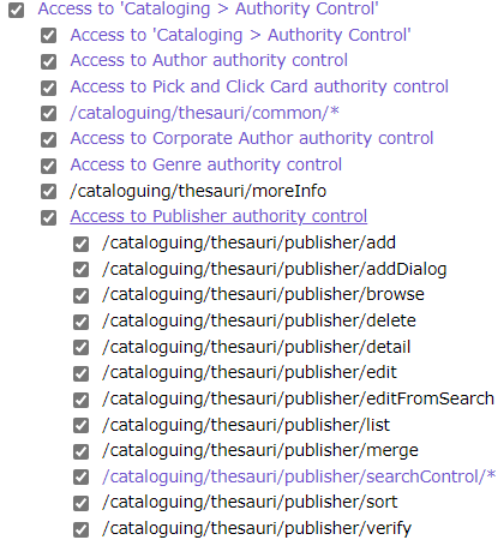
To Complete a Bulk Deletion of Unused Authorities
The example provided will use Publisher Authority files. The process to bulk delete unused authorities from other Authority type files follows the same process.
1. Navigate to Cataloging > Authority Control > Search and from the Function menu click on Open Publishers.

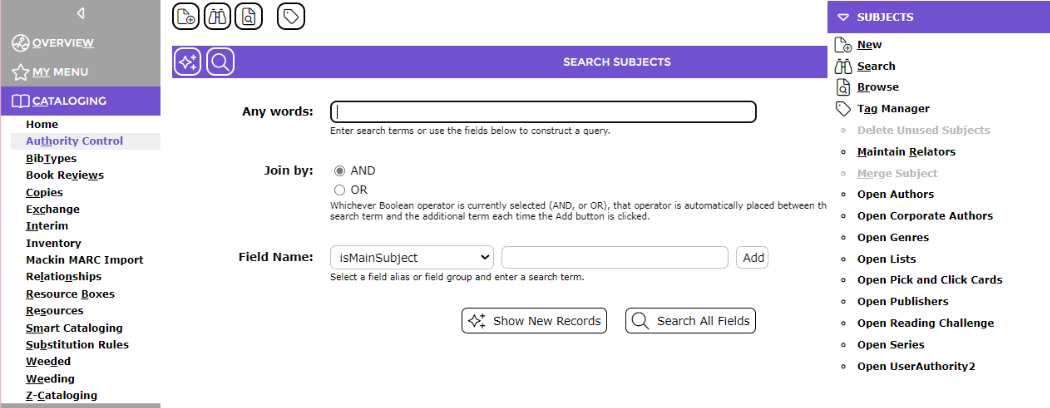
2. If the Search screen displays and you want to delete all unused terms, regardless of authority relationships, click on the Browse button to access the List screen.
3. Click on the Function menu in the List screen and click on Delete Unused Publishers.

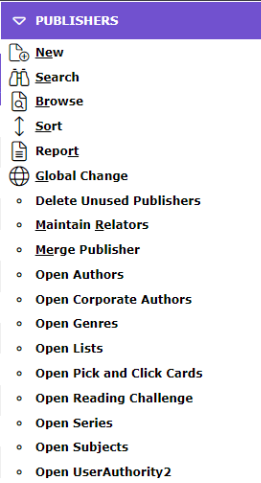
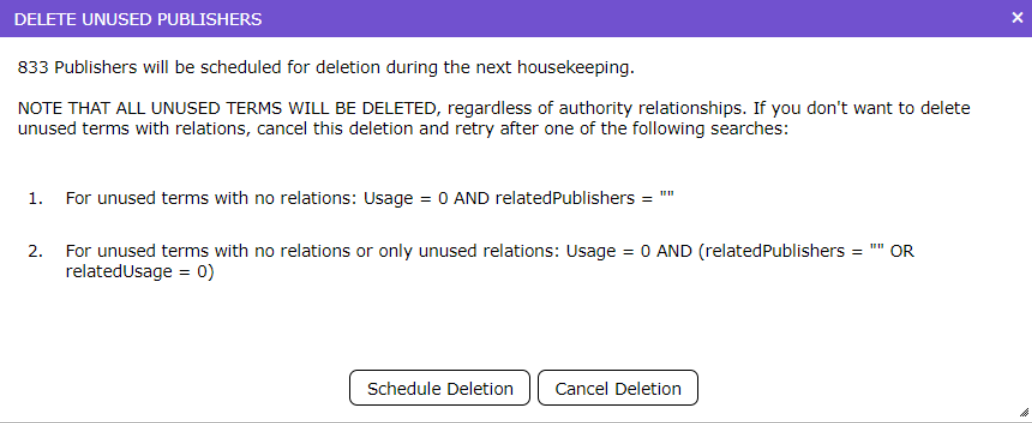
4. The Delete Unused Authorities popup screen will display. It identifies how many authority terms are scheduled for deletion when the next regular Housekeeping process is run.
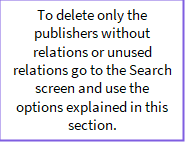



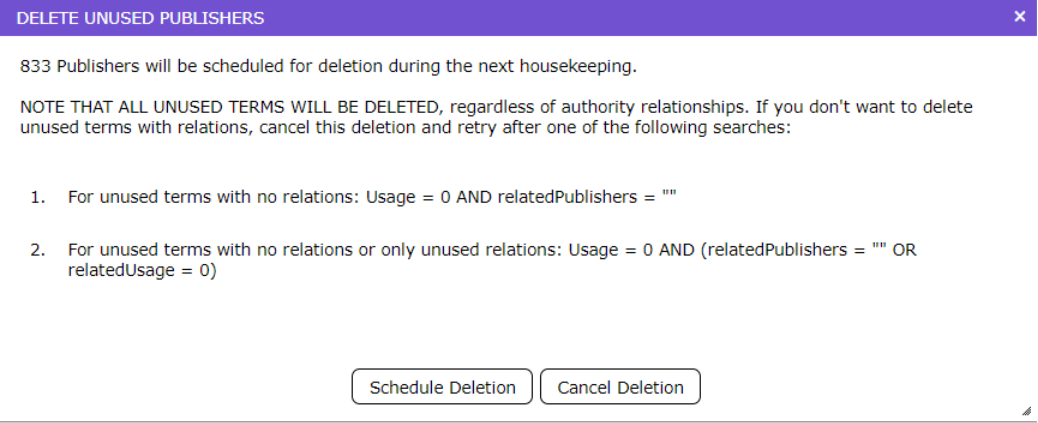
Note: The screen provides a warning that all unused terms regardless of authority relationships will be deleted and that if this is not the required outcome cancel the deletion process. The help text provided identifies searches you can use to find authorities without relations or only unused relations.
5. To continue with the deletion, click the Schedule Deletion button. The next Housekeeping run will complete the deletion process.
To Search for Unused Terms with No Relations or Only Unused Relations for Deletion
1. Go to the Publishers Search screen.
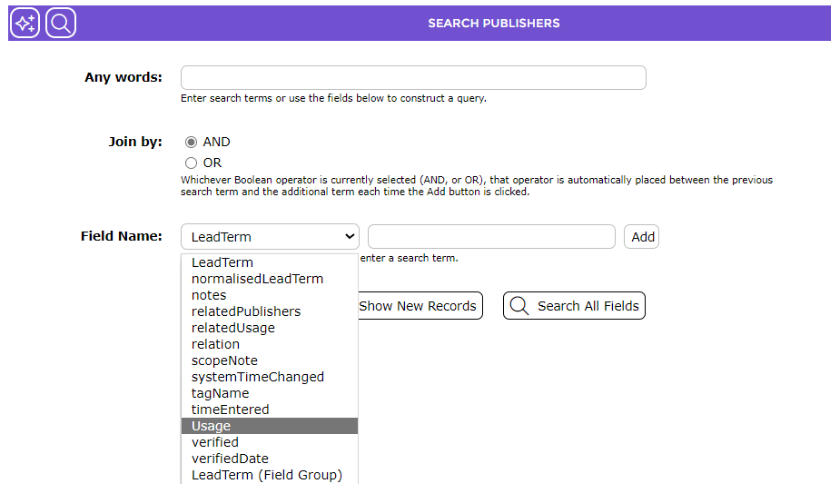
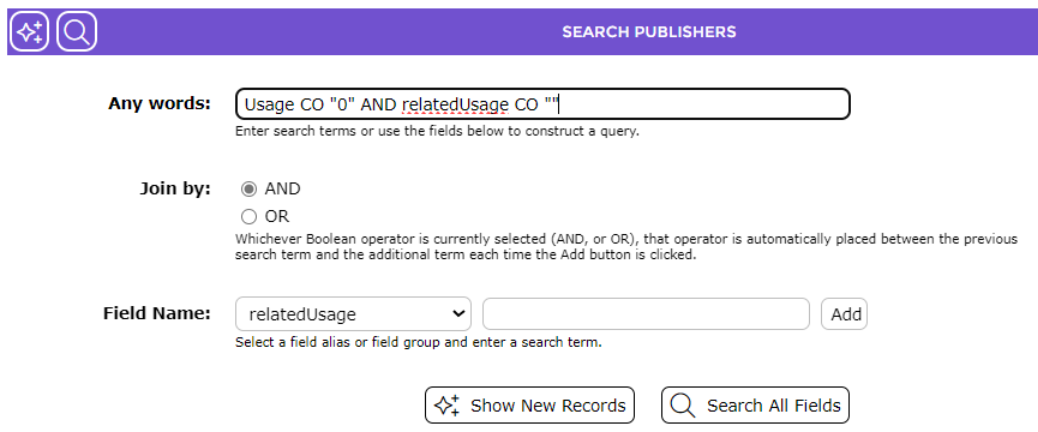
2. Click on the down arrow at the end of the Field Name field and click on Usage.

3. Enter 0 (zero) in the right hand side field and click on the Add button and the end of the field.


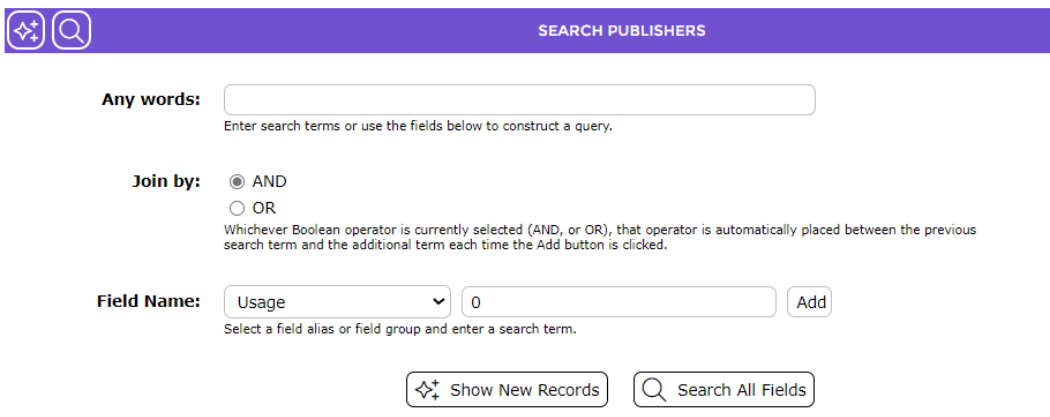
4. The string Usage CO “0” displays in the Any words field.
5. Click on the down arrow again and click on relatedUsage then click on the Add button at the end of the the empty field.



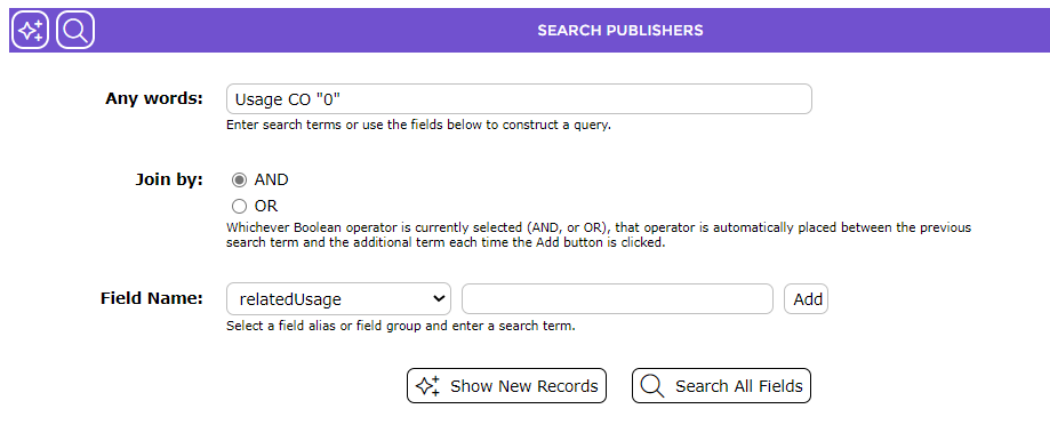
6. The string in the Any words field includes AND relatedUsage CO””. Click on the Search icon.


7. A list of applicable Publishers will display.
8. Click on Delete Unused Publishers from the Function menu and click on the Schedule Deletion button in the Delete Unused Publishers screen.

Housekeeping Process
Activate the Delete Unused Authority files process for inclusion in the scheduled nightly Housekeeping run. Manually running a housekeeping process is not recommended as it can impact the performance of the system.
1. Navigate to System > Housekeeping and locate the Delete Unused Authority Files.

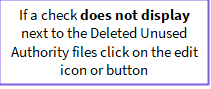


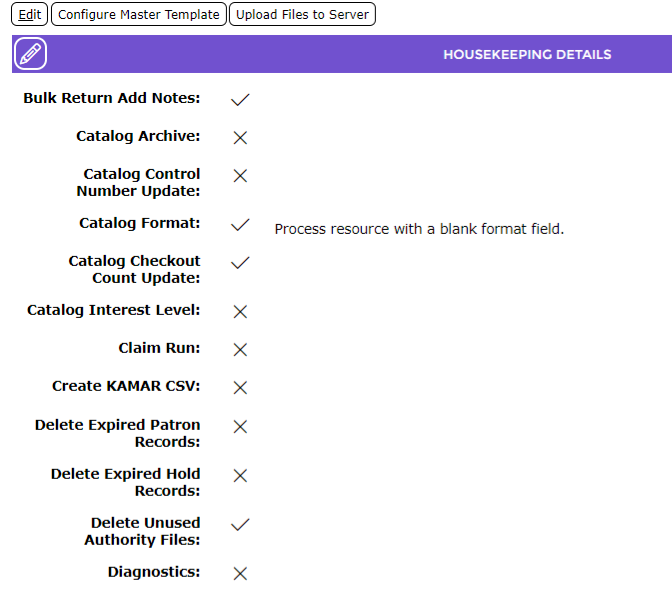
2. If a check does not display against the Delete Unused Authority File process, click the Edit icon or button, locate the process and click in the corresponding checkbox then click the Save button. The process is now included in the automatic nightly Housekeeping run.


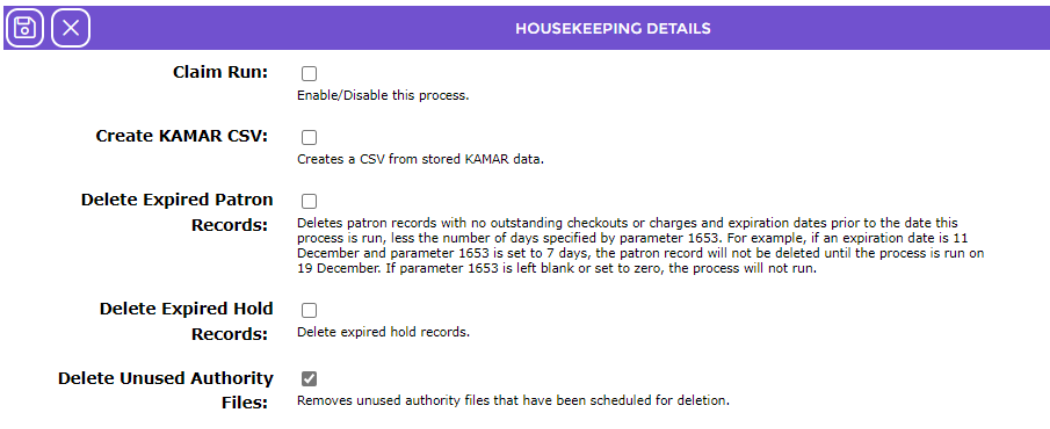
The flagged authorities will be automatically delete during the Housekeeping run.
Was this article helpful?
That’s Great!
Thank you for your feedback
Sorry! We couldn't be helpful
Thank you for your feedback
Feedback sent
We appreciate your effort and will try to fix the article