Summary
Websites and electronic files can be accessed from the Detail screen of their corresponding resource record, via the OPAC List screen.
This guide provides the steps required to access a website. Viewing electronic files uses the same steps.
Access a Website
Websites can be cataloged and the URL added to the record or URLs can be added to physical resources, e.g. books. The URL is then available when users locate the applicable record in the OPAC.
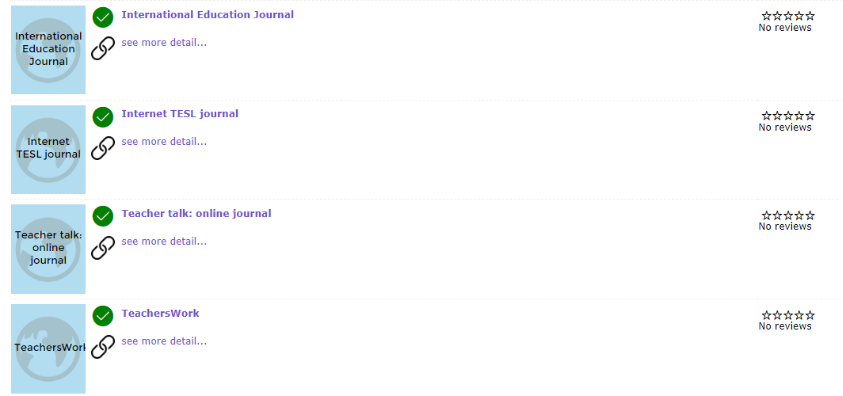
1. In OPAC, complete search for the website or electronic file you require, for example, ABC.
2. Click on the title.
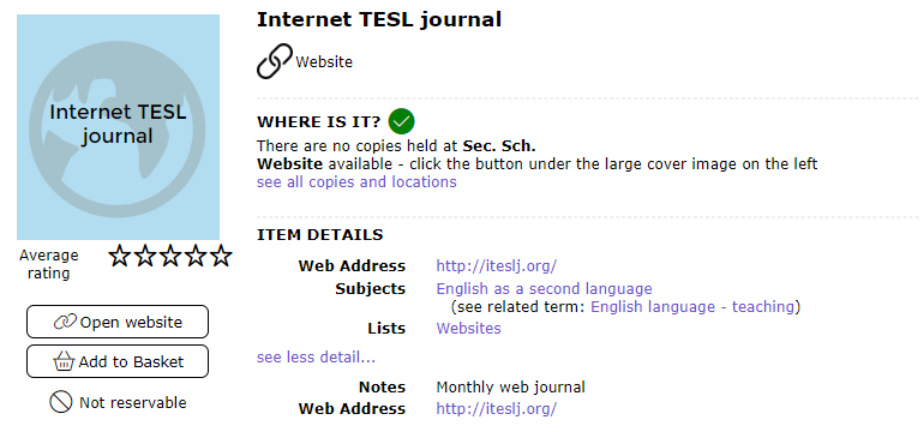
3. The Detail screen will display. Click on the URL in the Web Address field or click the Open website button to access the website.
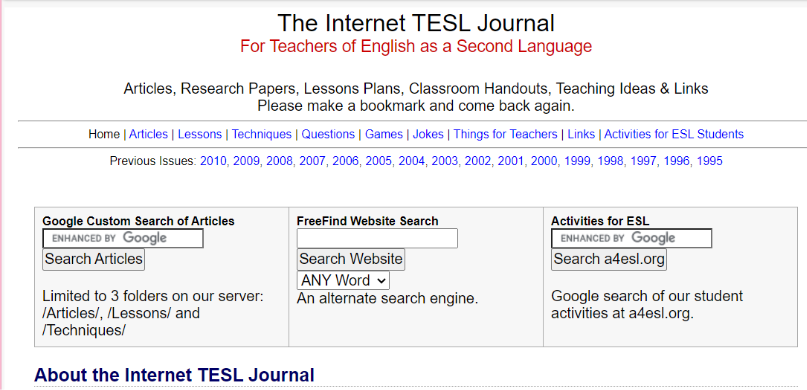
4. The website will open in a new page.
5. Click on the small X icon on the webpage tab to return to the resource’s Detail screen.
Was this article helpful?
That’s Great!
Thank you for your feedback
Sorry! We couldn't be helpful
Thank you for your feedback
Feedback sent
We appreciate your effort and will try to fix the article